
Microchip Cat Flap Not Reading Chip? Troubleshooting Common Problems
Microchip Cat Flap Not Reading Chip? Troubleshooting Common Problems If your microchip cat flap will not read your cat's chip the issue can be frustrating ...
If your microchip cat flap will not read your cat's chip the issue can be frustrating for both owner and pet. Microchip cat flap systems rely on radio-frequency identification, electronics and correct installation; a fault can be electrical, mechanical or caused by interference from building materials. Below are practical steps for homeowners and trade professionals to identify and fix the common causes of non-detection, plus DIY checks and trade-level diagnostics.
Initial checks every homeowner can do
Before calling a tradesperson, perform these quick checks. They often resolve the problem without specialist tools.
- Power and batteries: check that batteries are fitted correctly and have sufficient charge; replace with fresh high-quality alkaline or lithium cells as specified by the manufacturer. If the unit has a mains adaptor, confirm the plug and fuse are OK.
- LED and indicator behaviour: consult the user manual to interpret status lights. No LEDs usually indicate power failure; blinking patterns often show pairing or error states.
- Physical obstruction: ensure there is no dirt, spider web or bedding blocking the sensor area or preventing the antenna from seeing the cat’s chip. Clean the flap perimeter and contacts with a dry cloth.
- Chip location on the cat: microchips are usually implanted between the shoulder blades; cats can have chips that have migrated slightly. Temporarily stroke the cat slowly through the flap so the chip passes close to the reader to test if proximity solves the problem.
- Temporary lockouts and modes: many flaps have privacy or locking modes; check the control panel for a setting that disables the RFID reader.
Verify the microchip itself
A surprising number of problems are caused by chip compatibility or by the chip not functioning. Use the following checks.
- Ask your vet to scan the cat with a universal microchip scanner: this confirms the microchip is active and reports the chip’s frequency and ID number. UK pets are commonly microchipped at 134.2kHz ISO; some flaps only read 125kHz or require a specific protocol.
- If the vet cannot read the chip, the problem is with the implant; a replacement microchipping procedure may be necessary.
- If the chip reads fine at the vet but not at the flap, note the chip frequency and compare it with the flap’s specifications; upgrade or replace the flap if it is incompatible.
Common installation and site-related causes
Where and how the cat flap is fitted affects RFID performance. Tradespeople should pay close attention to these details when installing into doors, walls or glass.
- Metal interference: aluminium, steel reinforcement in composite doors and some glazing coatings can attenuate RFID signals; metallic frames near the antenna reduce read range. If the flap is installed in metal, either relocate the reader a few centimetres away from the metal or fit a non-metallic spacer or plastic tunnel to create a gap between the antenna and the metal.
- Glass and foil coatings: low-emissivity glass units with metallic coatings can prevent the RFID field passing through. Use a purpose-designed glass-mounted flap or position the reader in the frame rather than the pane.
- Door thickness and lining materials: thick doors, insulation foam or foil-backed materials placed between the antenna and the chip will reduce sensitivity. Ensure the antenna loop is not enclosed by metal or dense insulation.
- Wiring route: avoid routing signal wires near mains cables, fluorescent lights or other sources of electromagnetic noise; keep wiring as short as practical and shielded where possible.
Diagnostics for trade professionals
If homeowner checks fail, these professional-level tests will isolate hardware faults.
- Use a handheld microchip reader to confirm the flap’s antenna is producing a field: if the handheld scanner is triggered when placed in the same plane as the flap antenna the field is present. If not, measure supply voltage at the flap with a multimeter; check fuses and connectors.
- Inspect the antenna coil and PCB: look for broken traces, loose solder joints or water ingress. Continuity testing across the coil will reveal open-circuit faults. Replace coils if resistance is infinite or shows intermittent continuity.
- Swap the control unit: where possible test with a known-good reader module to determine whether the control PCB is faulty. Firmware faults occasionally require a reset or manufacturer update.
- Check connectors and seals: poor connections or corroded terminals are common on external fittings. Remove, clean with isopropyl alcohol and refit with correct torque. Replace rubber grommets damaged by UV or rodents.
- Simulate the tag: use a test transponder or programmer box to imitate the cat’s chip at various positions and angles. This locates weak spots in the read-zone.
Programming and pairing problems
Many flaps require the chip ID to be learnt into the unit. Common pitfalls are user error and power interruptions during programming.
- Follow the manufacturer’s sequence exactly: many units have a narrow time window for teaching a tag. If the process fails, remove power for 30 seconds then try again.
- Manual entry: some trade-grade units allow manual entry of the microchip number via app or keypad; this avoids reliance on the on-board reader if it is intermittent.
- Multiple tags and memory limits: ensure the flap has capacity for additional IDs and that memory has not been inadvertently filled with phantom entries from stray microchipped animals.
Practical DIY fixes to try
For confident DIYers these simple steps are often successful and preserve warranties if done carefully.
- Replace batteries with fresh cells of the manufacturer-recommended type; cheap batteries may supply insufficient current for the reader coil pulse.
- Clean the reader window and contacts; remove the flap and inspect mounting screws and terminal tightness.
- Reposition the flap slightly within the door aperture to bring the antenna closer to where the cat’s chip sits on the animal’s shoulder blades.
- Fit a collar-mounted RFID tag as an interim solution; these are inexpensive and plug into most systems without extra wiring.
When to call a specialist or replace the unit
If you have confirmed the chip is functional and basic maintenance has failed, call a specialist. Replacement may be necessary when the antenna is irreparably damaged, the PCB is corroded or the door substrate is causing unavoidable interference. Discuss options with the manufacturer; some supply replacement antenna kits specifically designed for metal or glass installations.
Recommended Products
Based on this article, you may find these products helpful:
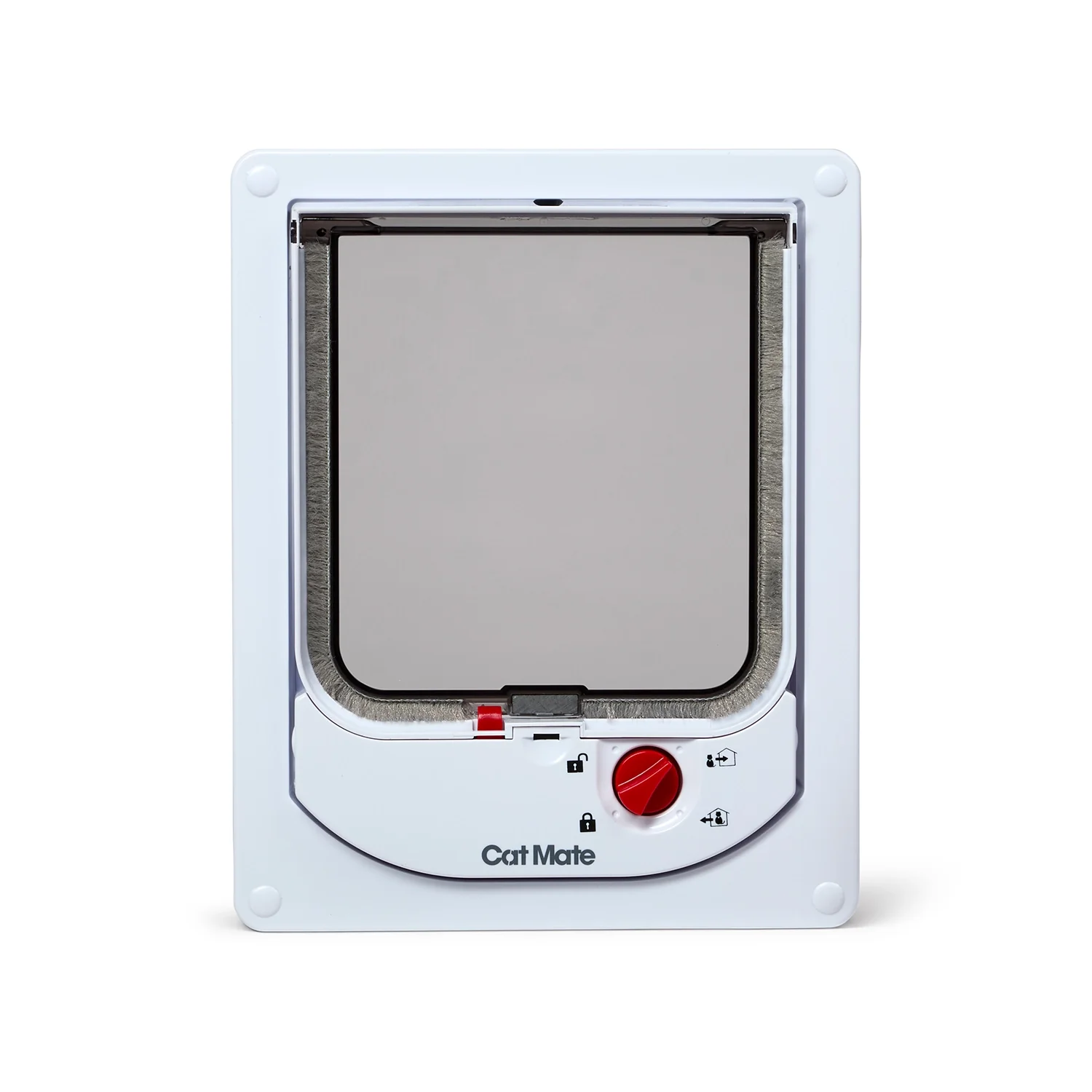
- Cat Mate Electromagnetic Cat Flap
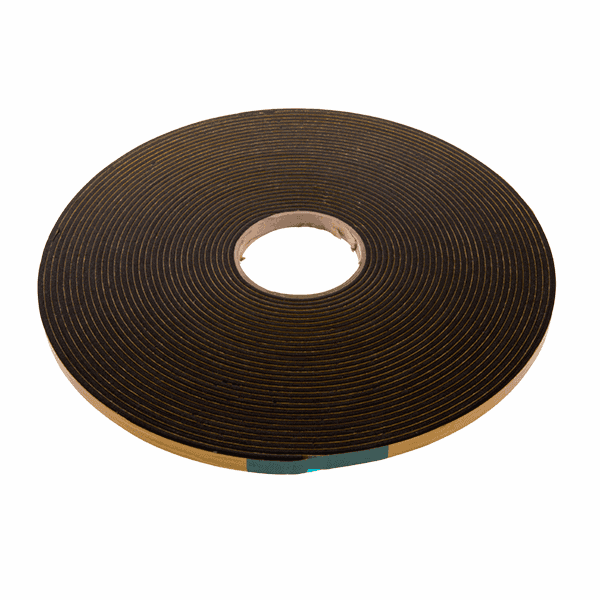
- Structural Glazing Tape - 20mm
- Security Glazing Tape
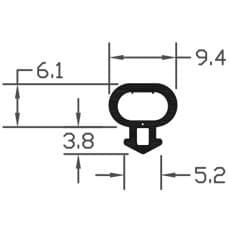
- B003 Bubble Gasket
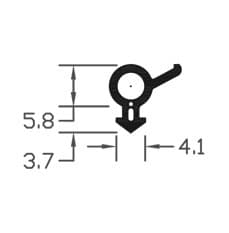
- B004 Bubble Gasket
Conclusion and next steps
If your microchip cat flap is not reading the chip, start with simple household checks: batteries, cleanliness and programming. Verify the microchip at the vet and check compatibility with the flap. For installation-related issues consider metal and glass interference and repositioning or insulating the antenna. Trade professionals should use handheld scanners, multimeters and continuity tests to isolate coil or PCB faults. If you need further help, visit our pet flaps resource hub at /guides/pet-flaps for product-specific advice and replacement parts, or contact a qualified fitter to inspect antenna mounting and door material interactions.
Products mentioned in this article
Related articles
Rented Property Cat Flap Options: What Landlords Need to Know
Rented Property Cat Flap Options: What Landlords Need to Know Installing a cat flap in a rented property can improve tenant satisfaction but it raises ques...
Replacing uPVC Door Panels with Cat Flap Panels: A Cleaner Solution
Replacing a uPVC door panel with a purpose-made cat flap panel is a practical way to give pets easier access while keeping the rest of the door intact. Whe...
Dog Flap Insulation: Preventing Heat Loss Through Larger Pet Doors
Dog Flap Insulation: Preventing Heat Loss Through Larger Pet Doors Large dog flaps are convenient for owners and pets, but they create a significant therma...